Session library
Session recordings
Watch recordings from every Power BI UK Community session. Filter by topic, search by keyword, and find exactly what you are looking for.
34 sessions found
Featured
Microsoft Build 2026: The Announcements That Matter for Fabric and Power BI
Microsoft Build 2026 brought a wave of announcements across AI, data, developer tools and analytics - but what do they actually mean for Power BI and Microsoft Fabric users? In this session, we’ll cut through the noise and recap the key updates that matter most to the data community, including the latest around agentic analytics, Fabric, Power BI, semantic models, and AI-powered app development. Join us for a practical, easy-to-follow summary of the biggest Build announcements, what they unlock for organisations, and how they could shape the way teams build, govern and deliver insights going forward. Whether you missed Build entirely or just want the highlights without watching hours of sessions, this recap will help you understand what’s changed, why it matters, and where to focus next.
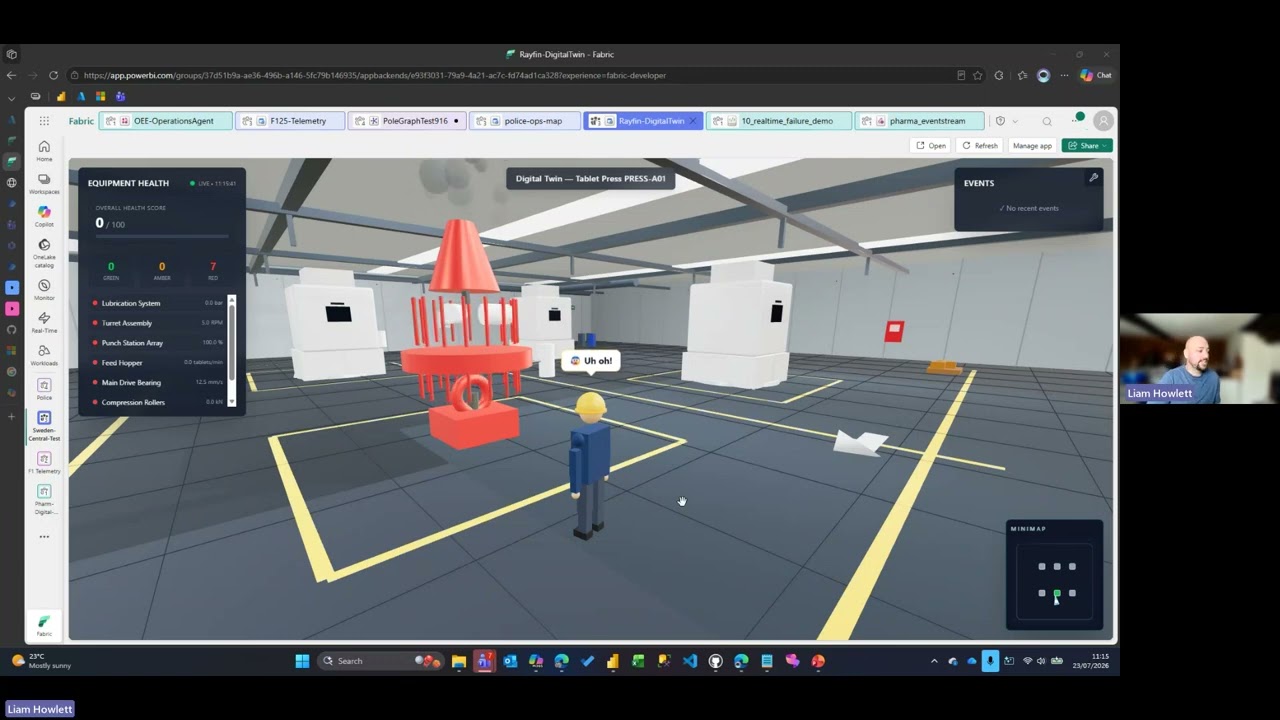
Apps That Speak Power BI: An Intro to Rayfin on Microsoft Fabric
Ever hit the ceiling of a standard Power BI visual and wished you could just build the exact experience in your head? Rayfin was one of the headline announcements at Build 2026, and it makes this far more achievable. It's an open-source SDK and CLI that lets you (or an AI coding agent alongside you) define a full app backend in code and deploy it straight onto Microsoft Fabric. The part that matters for this community: your app runs as a first-class Fabric artifact and its data lands directly in OneLake. The custom apps and front-ends you build sit right on top of the same governed data as your Power BI reports. No copies, no pipelines, no separate environment.
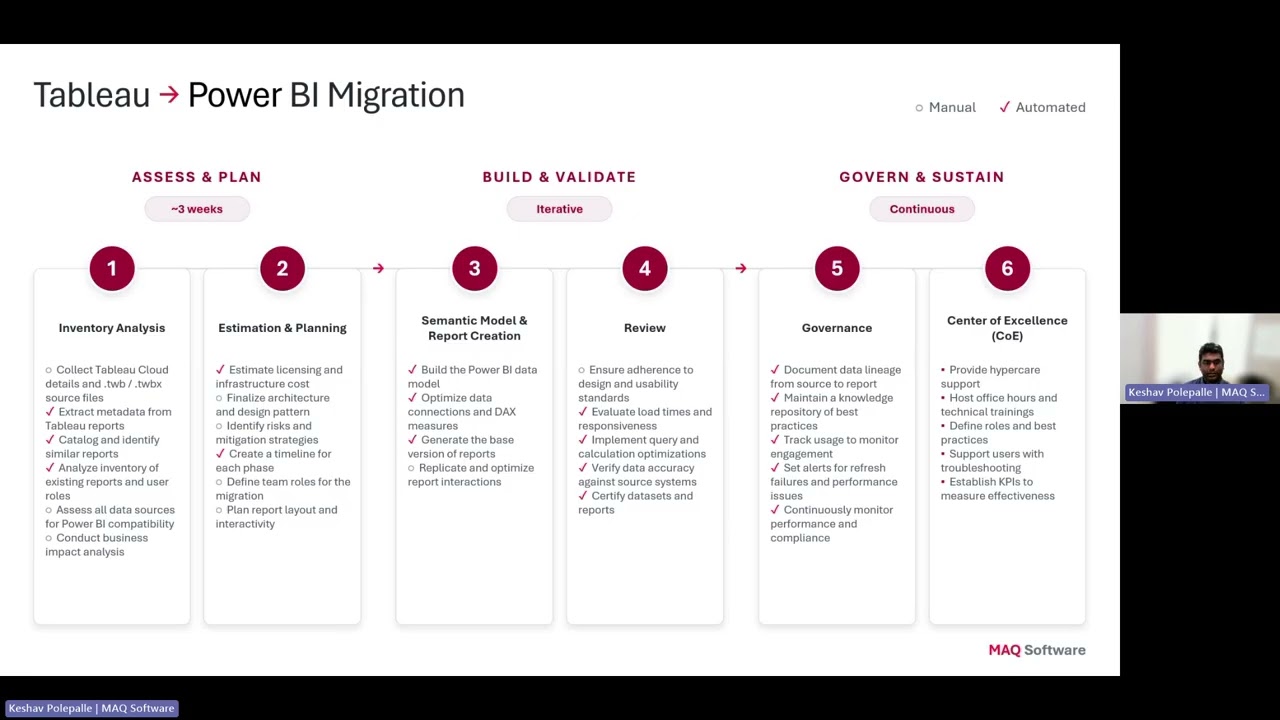
AI-Powered Migration: Tableau to Power BI & Alteryx to Fabric
Organizations are rapidly modernizing their analytics platforms, but traditional migration approaches from Tableau and Alteryx are slow, expensive, and heavily dependent on manual effort. Demonstrates how Agentic AI is transforming analytics modernization by accelerating Tableau → Power BI migrations and converting Alteryx workflows into Microsoft Fabric Data Pipelines and Dataflow Gen2.
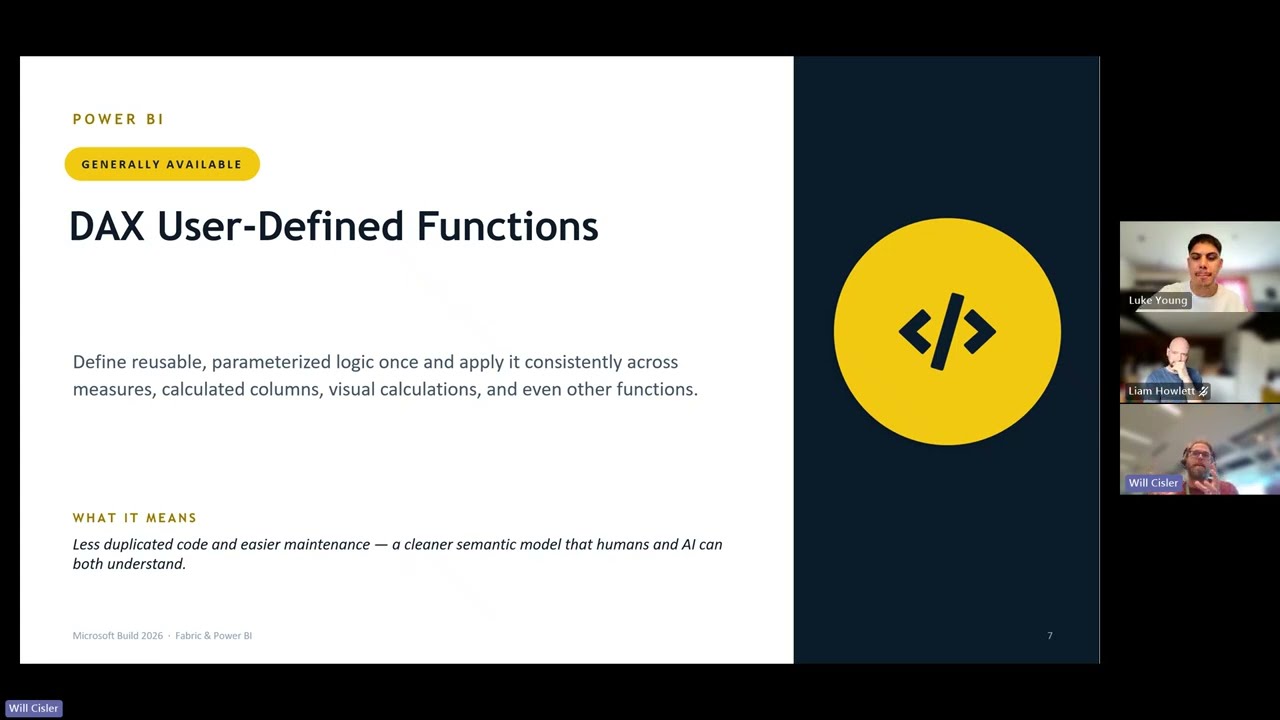
Microsoft Build 2026: The Announcements That Matter for Fabric and Power BI
Microsoft Build 2026 brought a wave of announcements across AI, data, developer tools and analytics - but what do they actually mean for Power BI and Microsoft Fabric users? In this session, we’ll cut through the noise and recap the key updates that matter most to the data community, including the latest around agentic analytics, Fabric, Power BI, semantic models, and AI-powered app development. Join us for a practical, easy-to-follow summary of the biggest Build announcements, what they unlock for organisations, and how they could shape the way teams build, govern and deliver insights going forward. Whether you missed Build entirely or just want the highlights without watching hours of sessions, this recap will help you understand what’s changed, why it matters, and where to focus next.
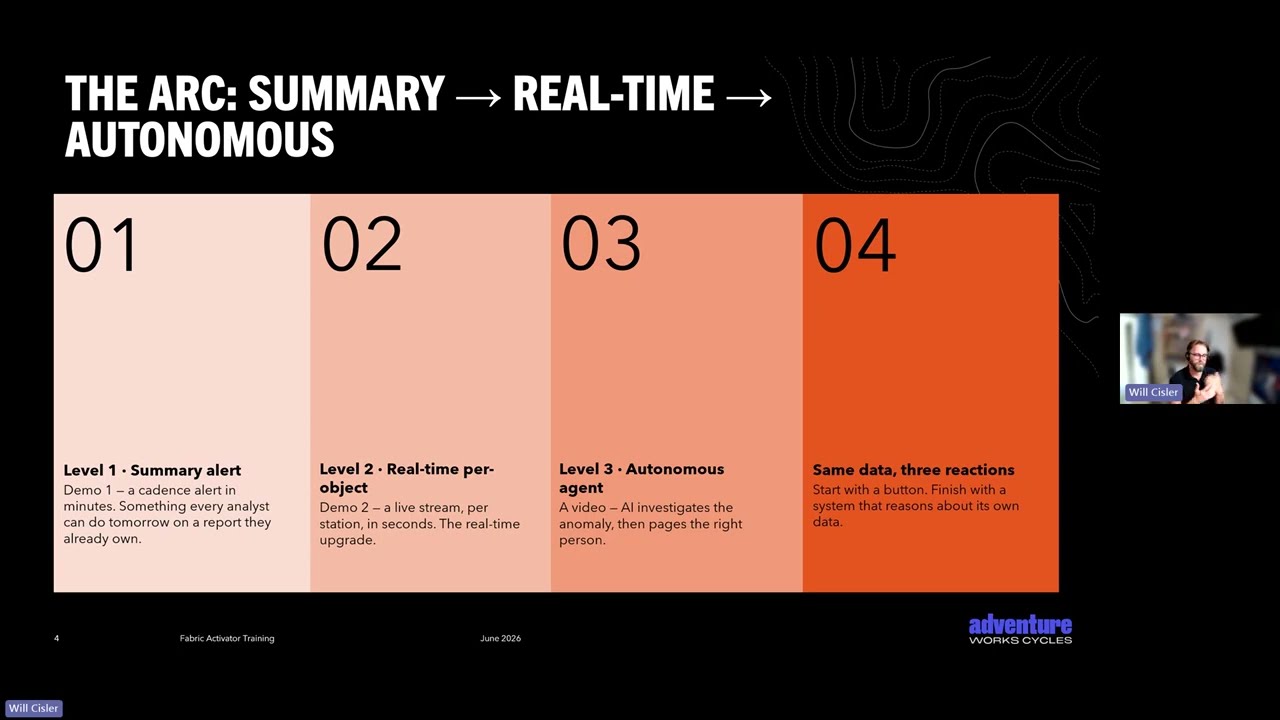
Data Activator went GA — Let's take another look
45-minute practical guide to event-driven automation in Microsoft Fabric. Walks through a 10-step maturity ladder from simple Power BI alerts up to AI-powered anomaly detection and autonomous orchestration with the Operations Data Agent. This session covers what Activator is and when to use it, stateful detection rules that cut through alert noise, triggering Fabric items (pipelines, notebooks, dataflows), two cost checkpoints, and the frontier of platform-driven detection.
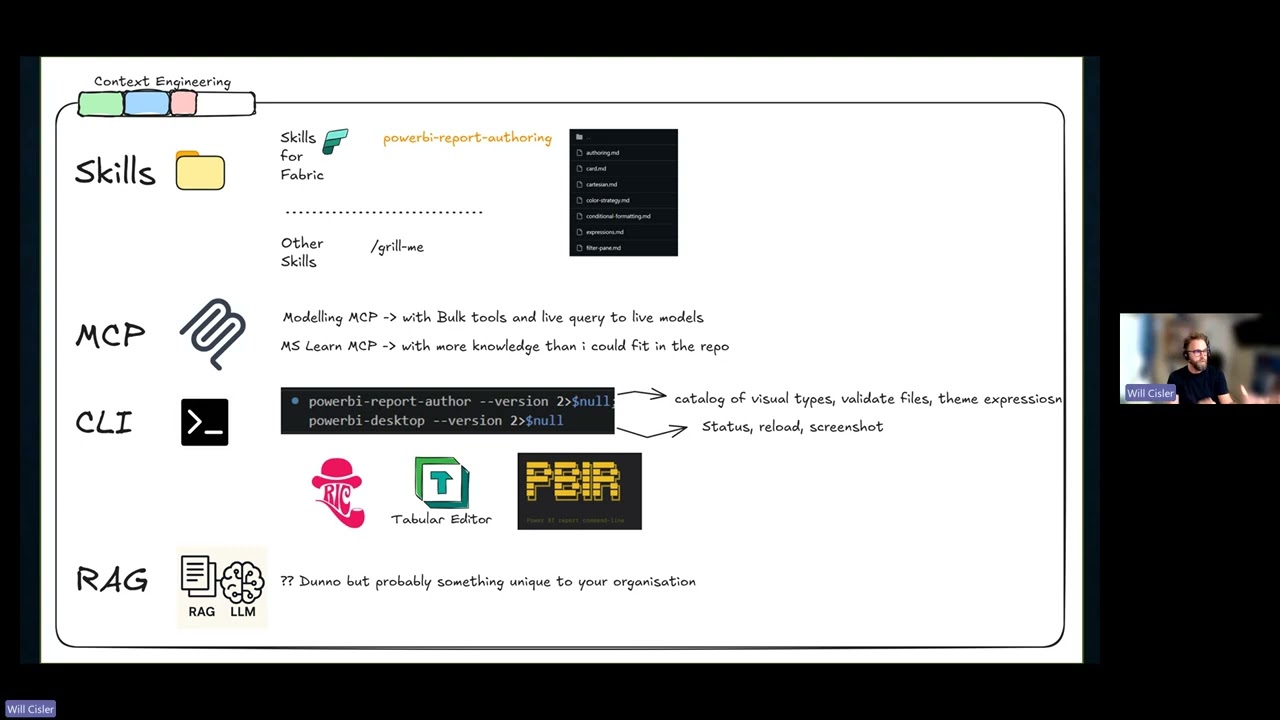
Skills for Fabric: From Generic AI Prompts to Fabric-Aware Assistance
Join us for a practical walkthrough of Skills for Fabric, Microsoft’s open-source collection of AI agent skills and MCP systems designed to help developers, data engineers, admins, and analysts work more effectively with Microsoft Fabric. In this session, we’ll look at what the repository includes, how the skills are structured, and how they can be used with tools such as GitHub Copilot CLI, VS Code, and other AI coding assistants. We’ll explore how this approach can support common Fabric tasks across development, operations, automation, and Power BI authoring, helping users move from generic AI prompts to more guided, Fabric-aware assistance. Whether you’re experimenting with AI-assisted development, supporting Fabric environments, or looking for ways to improve productivity across your analytics workflows, this session will give you a clear introduction to what Skills for Fabric is, why it matters, and how you can start using it.
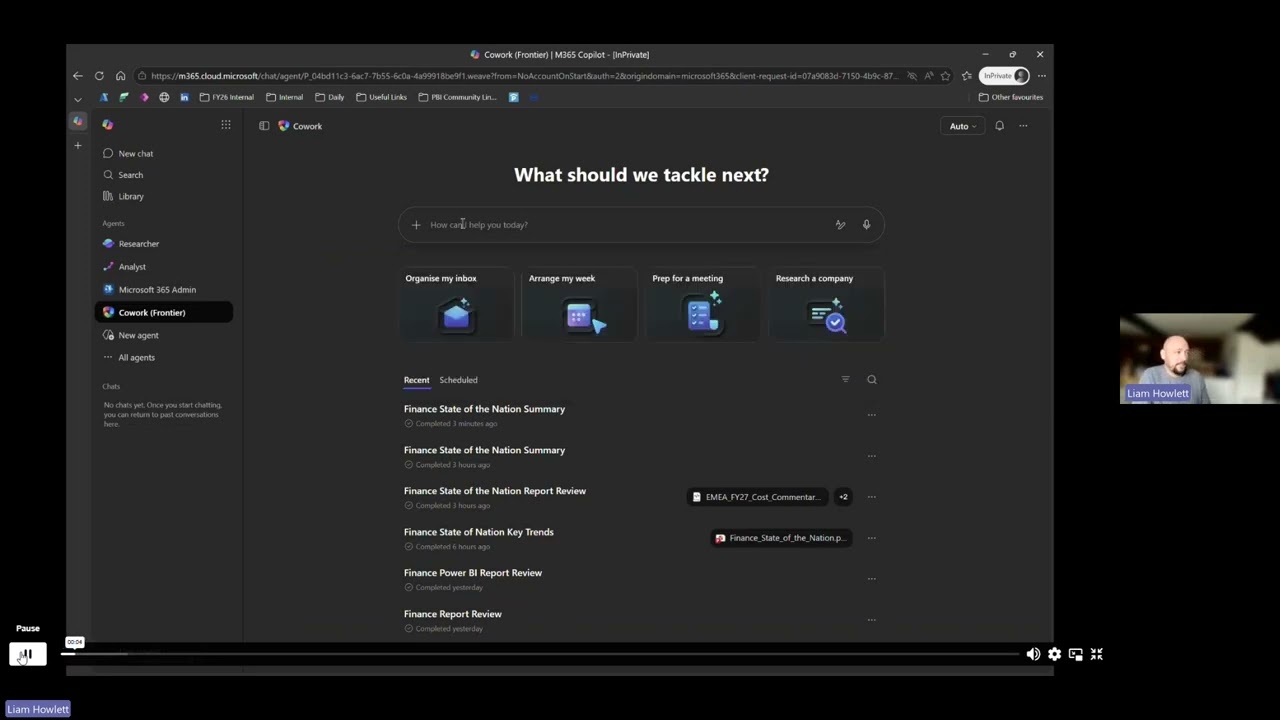
Cowork + FabIQ: The Best AI Analytics Experience Yet?
Cowork is Microsoft's new AI productivity assistant, and the Fabric IQ plugin lets it query Power BI semantic models directly. Live demo: ask real questions, watch Cowork discover artifacts, inspect schemas, and run DAX against the Power BI MCP Server for grounded answers. Because Cowork sits across Outlook, Teams, and your calendar, you can act on findings in the same conversation — email a stakeholder, set up a meeting, post a Teams summary. Also covers what makes a semantic model "AI-ready".
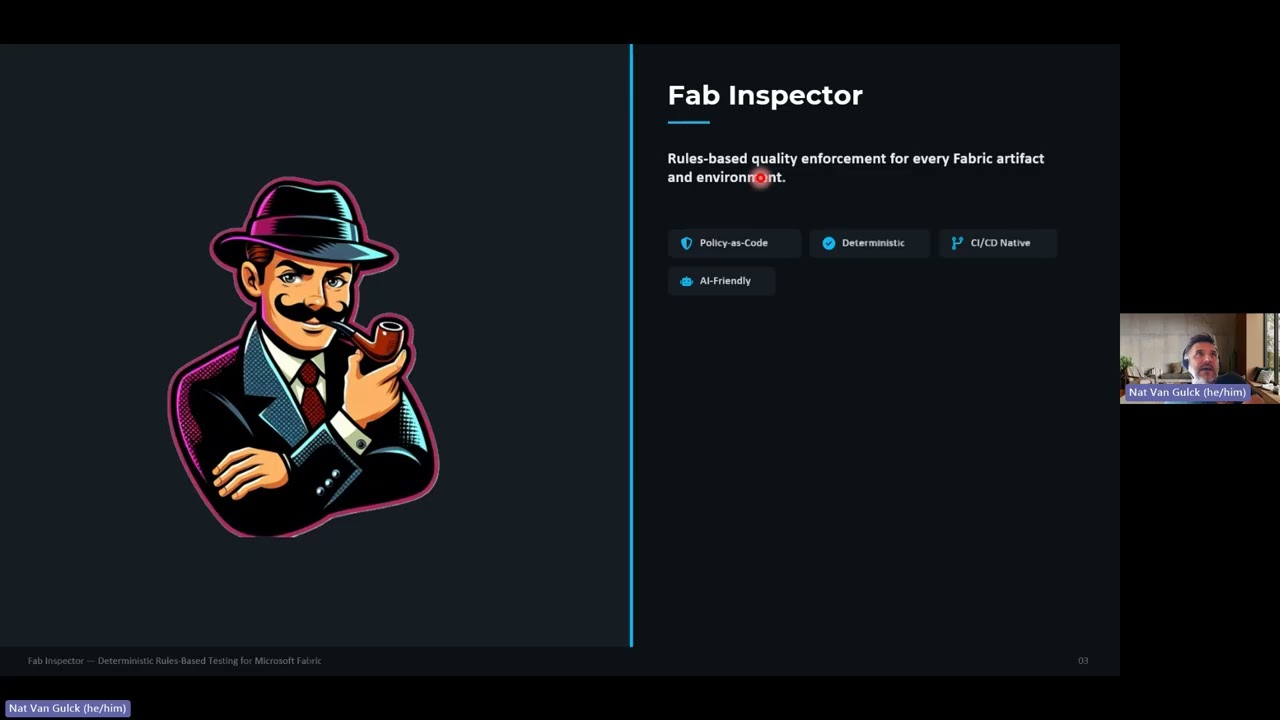
Catching Issues Before They Ship: Exploring Fab Inspector
Fab Inspector is a deterministic validator for Microsoft Fabric deployments. Teams codify quality expectations as JSON rules and run them against local files or published workspace items, producing repeatable pass/fail results that are easy to automate. Instead of asserting behaviour in application code, you assert metadata contracts — naming conventions, report design guardrails, CopyJob and DataPipeline settings, and API-derived checks via built-in operators. Policy-as-code for Fabric, with outputs that fit both developer feedback loops and enterprise pipelines.
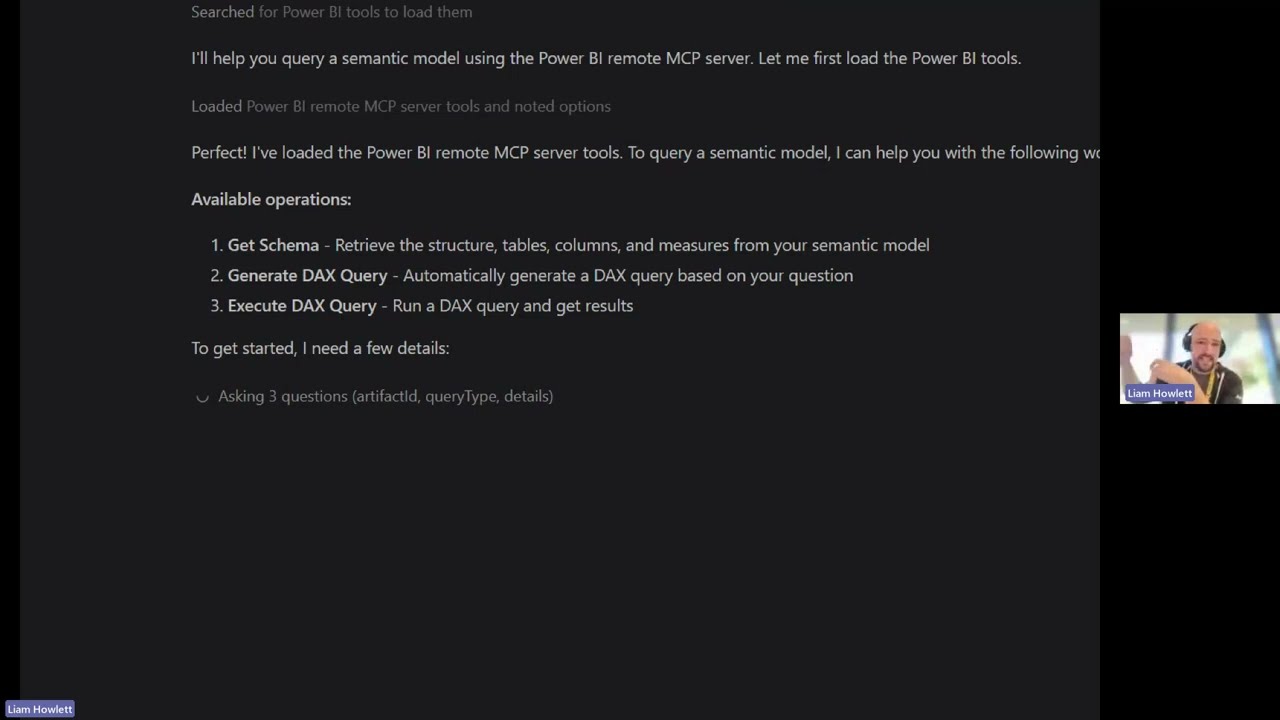
Getting Started with the Power BI Modelling MCP Server
In this shorter, demo‑focused session, we’ll explore the Power BI Modelling MCP Server and how it can be used to build and edit Power BI semantic models using AI. We’ll start with a brief introduction to GitHub Copilot for anyone who hasn’t worked with it before, setting the context for how the MCP server is used. From there, we’ll jump straight into a live demo — creating a semantic model from scratch using AI, then iterating on it by making changes and refinements as requirements evolve. You’ll see how this workflow looks in practice and how it can support faster, more flexible modelling. This session is ideal if you’re curious about AI‑assisted data modelling and want a practical look at how the Power BI Modelling MCP Server fits into real‑world development workflows.
Mastering Fabric Monitoring with FUAM
In this session you will be able to hear from the developers of FUAM directly. Fabric Unfied Admin Monitoring (short: FUAM) is a solution to enable a holistic monitoring on top of Power BI and Fabric. Today monitoring for Fabric can be done through different reports, apps and tools. Here is a short overview about the available monitoring solutions which are shipped with Fabric: Feature Usage & Adoption Purview Hub Capacity Metrics App Workspace Monitoring Usage Metrics Report FUAM has the goal to provide a more holistic view on top of the various information, which can be extracted from Fabric, allowing it's users to analyze at a very high level, but also to deep dive into specific artifacts for a more fine granular data analysis.
Visualising Real Time Intelligence
Real‑time data is increasingly important for monitoring operations, reacting to events, and supporting time‑critical decisions — but choosing how to visualise that data isn’t always straightforward. In this session, we’ll explore different approaches to visualising real‑time data and what they’re best suited for. We’ll look at how Real‑Time Intelligence (RTI) dashboards work, where they shine, and where they can feel limiting. From there, we’ll walk through how you can also achieve real‑time or near real‑time experiences using standard Power BI reports, unlocking far richer visuals, interactions, and report features. Based on hands‑on testing and real scenarios, this session will help you understand the trade‑offs between different options and make more informed choices when designing real‑time analytics for your organisation.
FabCon 2026 Round up
FabCon is Microsoft’s flagship event for sharing major Fabric announcements, roadmap updates, and ideas across the analytics platform, but if you’re like us, attending in person wasn’t an easy option. In this session, we’ll bring those updates back to the community with a clear and concise wrap‑up of what was announced and discussed at FabCon. We’ll highlight the key announcements and themes from the event, calling out the updates and ideas that are likely to be most relevant over the coming months, along with useful context from the sessions and conversations happening at the conference. If you want to stay informed, sense‑check the hype, and get a community‑focused view of FabCon, this session will give you a straightforward summary and plenty of takeaways to explore further.
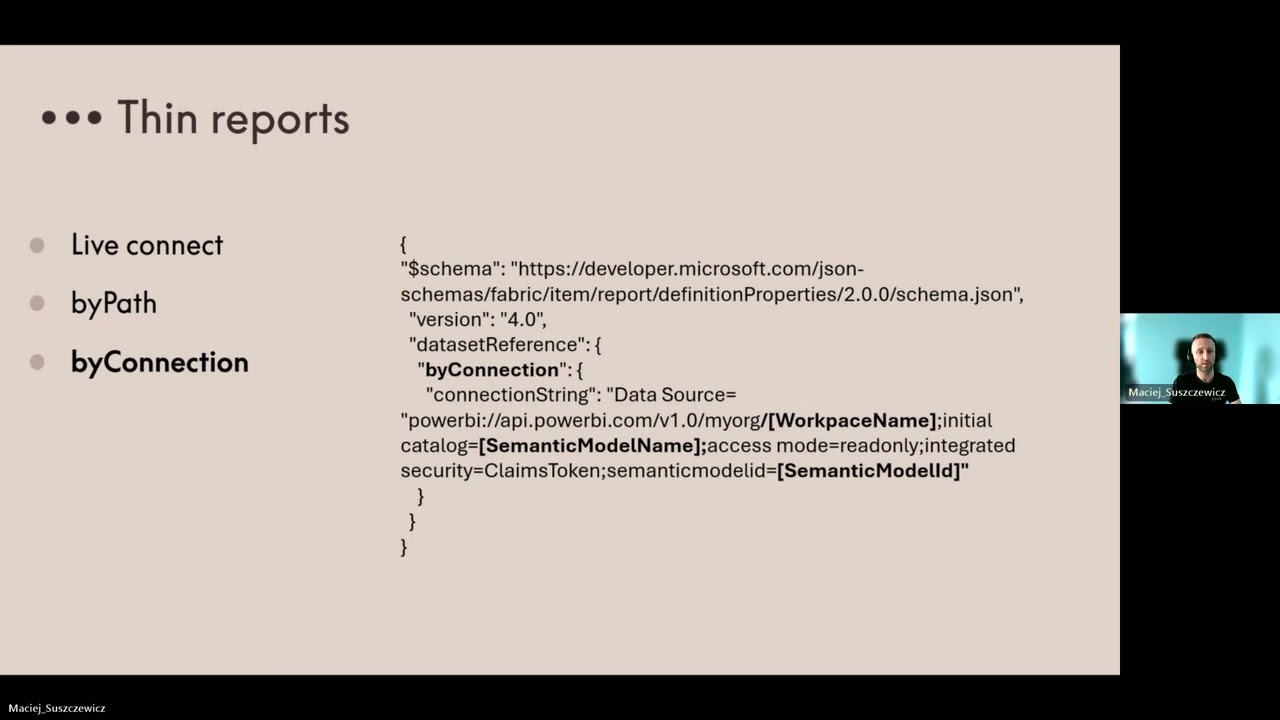
New Look's Power BI GitHub Journey
Hear firsthand from Maciej at New Look on how their data team has transformed the way they build, manage, and collaborate on Power BI content by integrating GitHub into their workflow. You’ll learn: • Why the team moved away from traditional .pbix + SharePoint version control • How .pbip project files unlock cleaner collaboration • How GitHub brings enterprise‑grade change tracking to centrally managed semantic models and thin reports. Perfect for anyone interested in modern Power BI development, cleaner version control, or improving team collaboration.
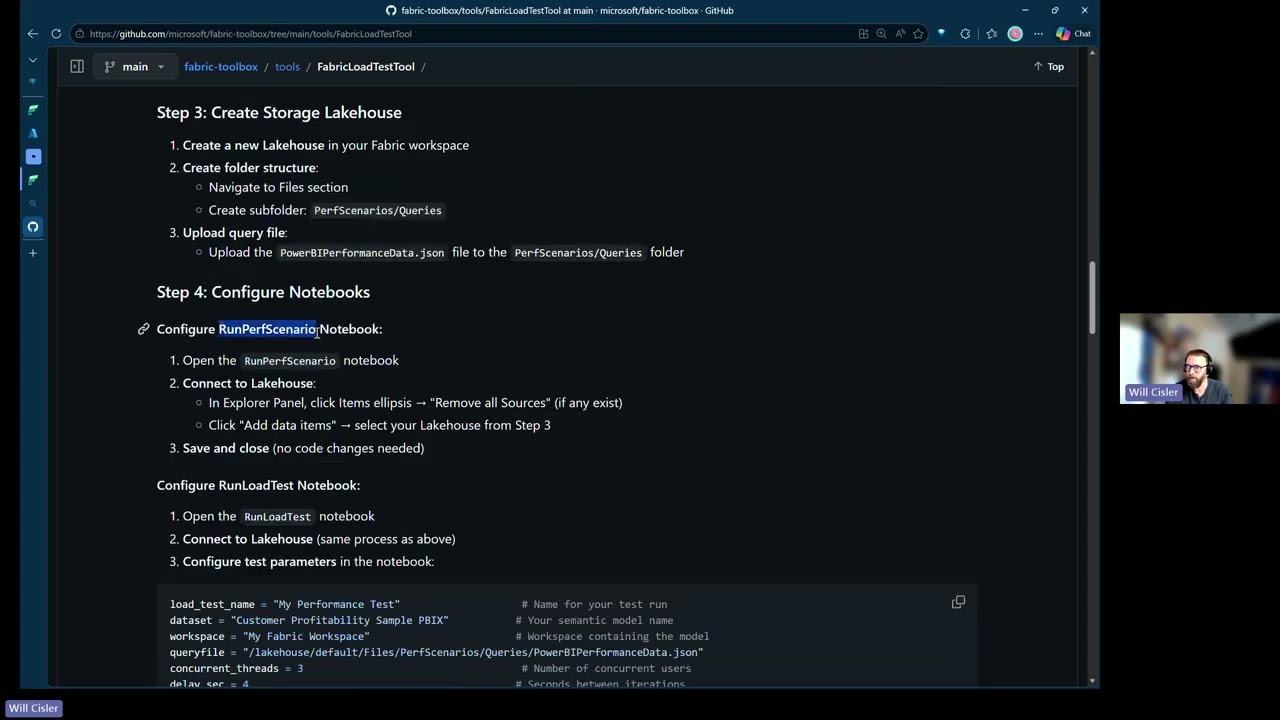
Power BI Load Testing and Capacity Part 2
In this session, we will jump back into the critical practice of load testing Power BI reports and semantic models. Join us as we explore a new and simple A-B-C method of testing reports using Notebooks as well as a review of the existing toolset we covered in part 1. You will learn how to set up and configure the tool, interpret the results, and apply best practices to enhance the performance of your reports. Whether you're a seasoned Power BI user or just getting started, this session will equip you with the knowledge and skills to ensure your reports can handle the demands of your organisation.
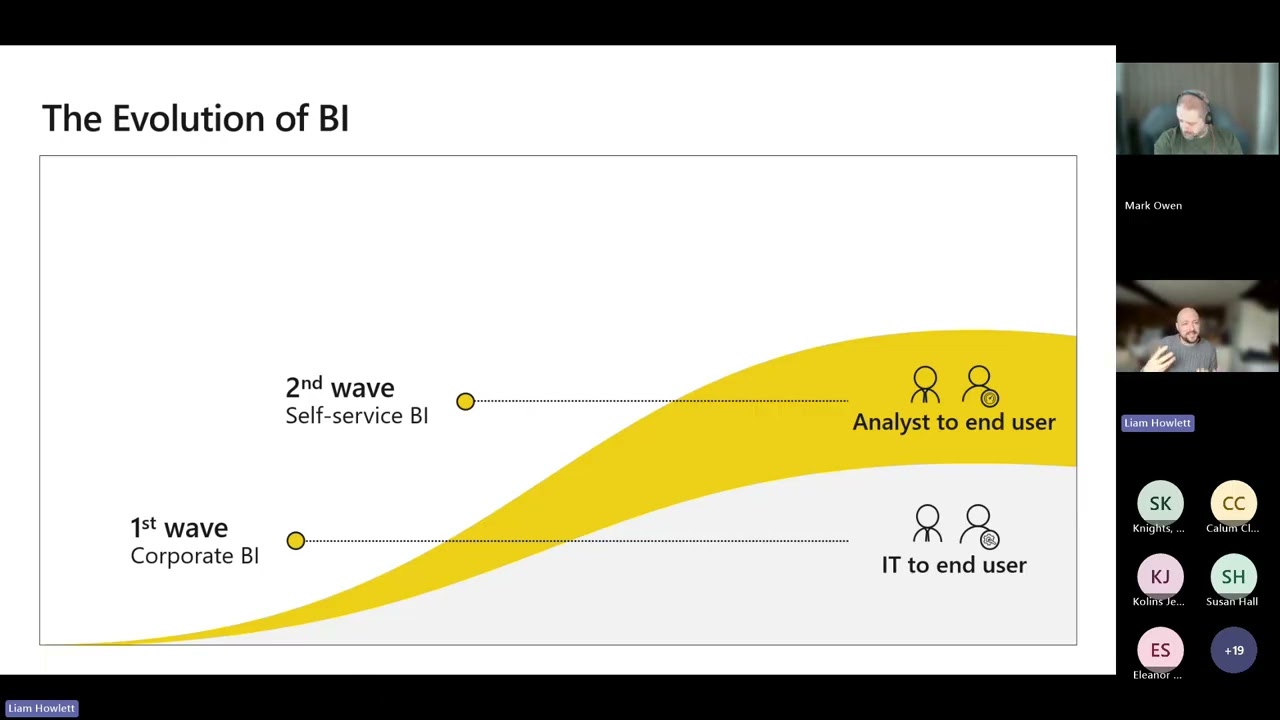
Dashboard in a Day
Dashboard in a Day is designed to introduce people to the basics of authoring reports and data models in Power BI. This will be a hands-on learning session where you will follow lab exercises whilst learning from a Microsoft Power BI Specialist throughout the day. The labs will cover: · Connecting to data · Shaping and transforming that data in Power Query · Building the relational data model and adding measures to it · Building the report, insights, and visualisations.
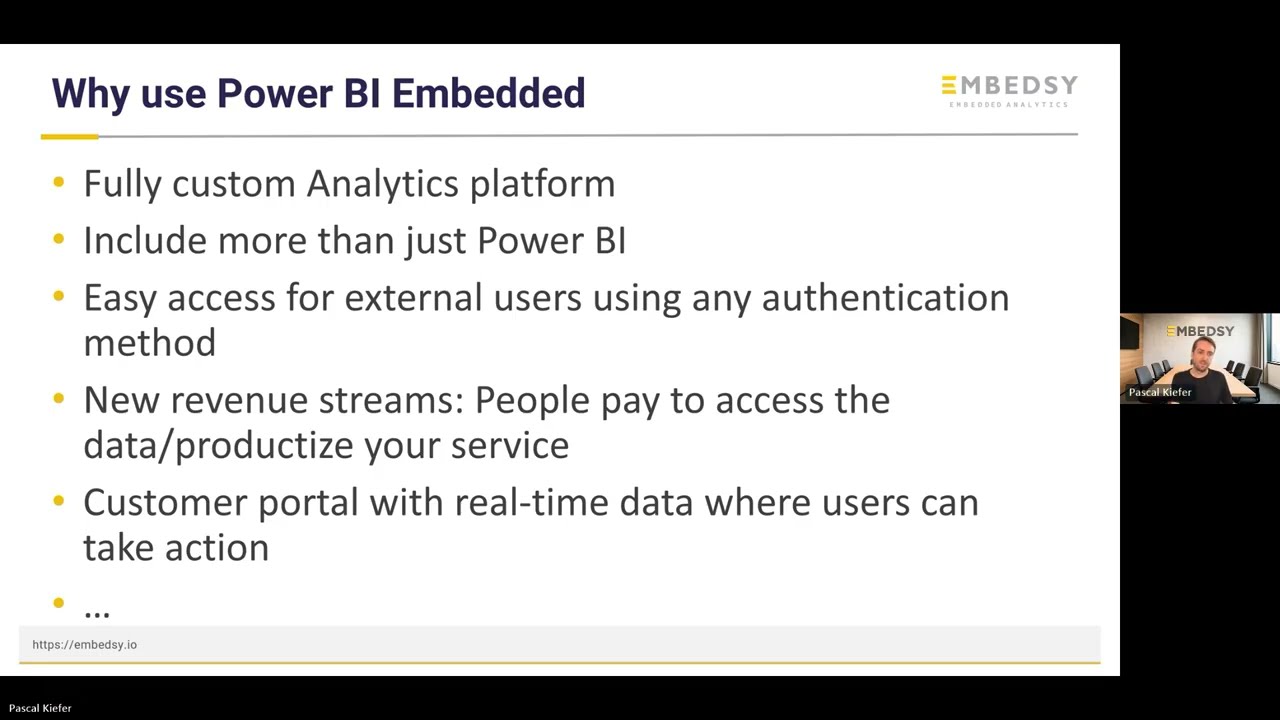
Embedded Insights with Pascal Kiefer
In this session, we’re taking a deep dive into Power BI Embedded — the Microsoft technology that enables you to deliver rich, interactive analytics directly inside custom applications and portals. Whether you’re embedding for your customers or internal users, understanding the practical challenges and opportunities is critical to getting it right. We’re thrilled to be joined by a Co-founder of Embedsy, a company that specialises in bringing embedded analytics to life using Power BI Embedded. Their first-hand experience working with embedding in production gives you a rare opportunity to learn from real use cases and proven patterns.
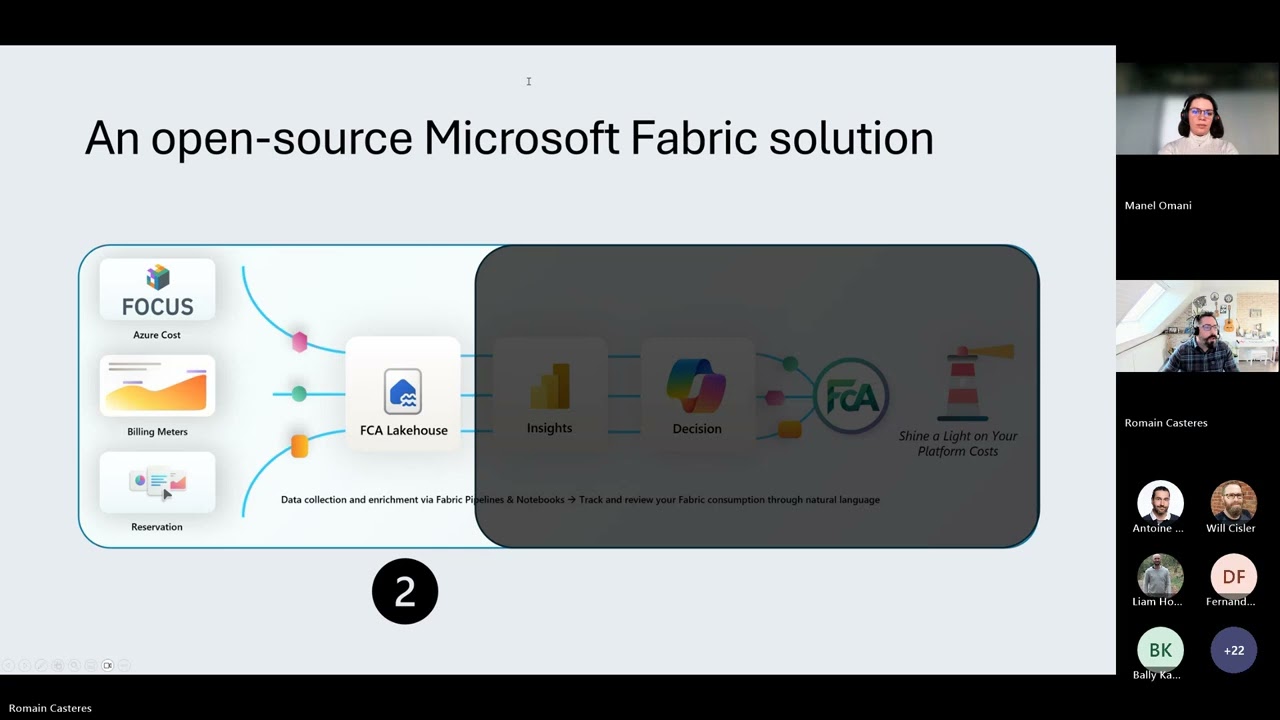
Fabric Cost Analysis Tool
Customers may not always clearly distinguish between costs that are included or excluded within the Data Platform, the handling of reservations, or their capacity usage. They may also need guidance on strategies for optimizing resources and implementing effective FinOps practices, including chargeback and show back to stakeholders. This free solution was developed in France by several passionate CSA experts in FinOps and Data.
Ignite 2025 Roundup
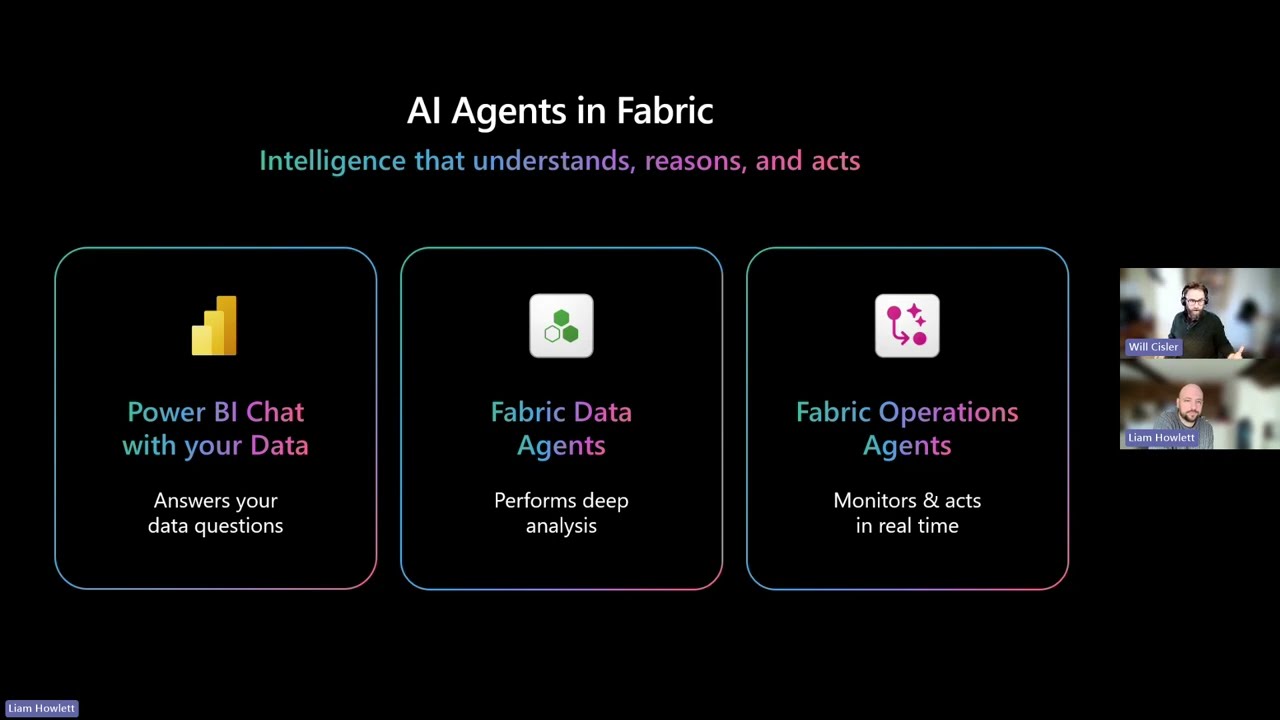
Microsoft Ignite is almost here, and it's a big one for Fabric! From 18–22 November, expect big announcements that will shape the future of AI and analytics. Join our session for a clear, concise summary of all the major highlights —including exciting announcements on Power BI Copilot.
DAX Optimiser with SQL BI
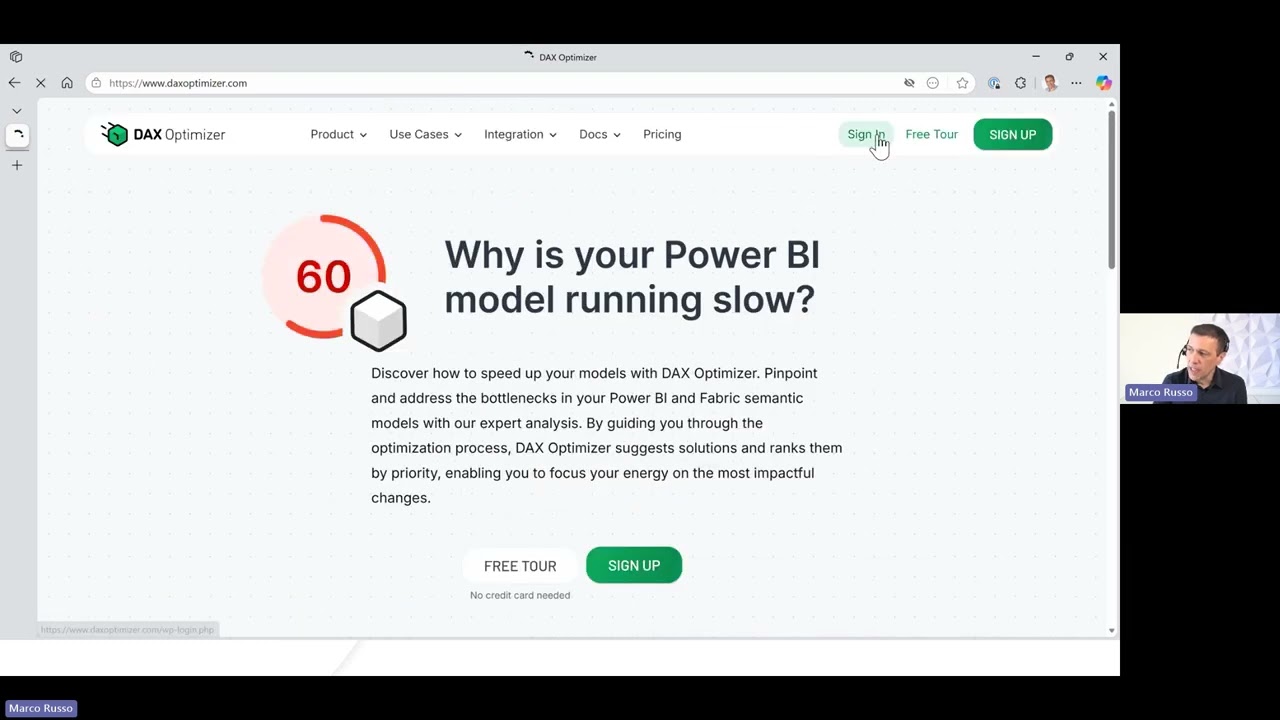
We are joined by the DAX legend himself, none other than Marco Russo. Learn how to use the newest tool from the SQL BI Team: DAX Optimizer… to identify and resolve performance issues in Power BI and Fabric models. This session covers: how the tool analyses queries How the tool interprets patterns and ranks optimization opportunities. You’ll see real examples of common inefficiencies Learn how to apply DAX Optimizer’s insights to improve model performance in practice.
Power BI Icon Map
James Dales is back for a follow-on session for all you mapping enthusiasts. Discover how to unlock the full potential of your location data with the advanced Icon Map visuals that bring interactive geospatial analytics to Power BI. From mapping logistics flows, infrastructure, and transport networks, to analysing demographic patterns or understanding customer proximity, you’ll see how location intelligence can add powerful context to your business insights. Learn how to: § Create interactive, multi-scale visualisations - from global overviews to detailed regional and local analysis. § Bring data to life with dynamic layers, vector tiles, and advanced filtering. Go indoors to visualise building interiors, occupancy, or asset locations with precision.
M365 + Fabric, Co-pilot & Foundry
Combining Data Products with Generative AI unlocks a powerful, low-code approach to analytics and insights. By building a harmonized, governed data foundation using a domain-driven, medallion architecture (bronze, silver, gold), organizations can create discoverable data products ready for use across teams. Generative AI, through Copilot and Fabric, then grounds its intelligence on these products to deliver instant insights, reveal patterns, and suggest actions—all in natural language.
Evolution of Dataflows
Join Will Cisler, for a deep dive into the evolution of Dataflows. This session explores how Dataflows Gen2 brings significant improvements over Gen1, making Power Query in the web more powerful, scalable, and user-friendly. We will cover key enhancements, practical patterns, and why Gen2 is a compelling upgrade for organizations looking to streamline data prep and reuse across Power BI and beyond.
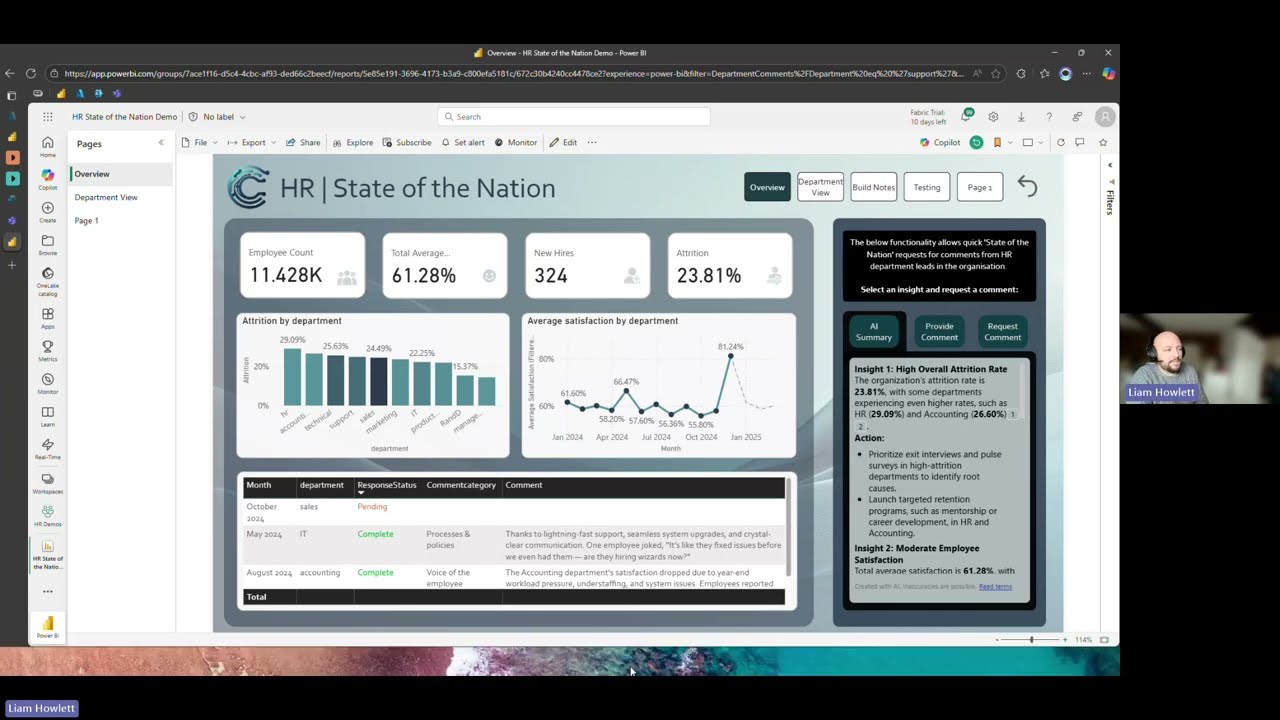
Translytical Taskflows
Introducing a brand new way to write back to a data source from your Power BI report. Traditionally we have only been able to achieve this using the Power Apps integration. Whilst this is a brilliant and effective method, it does introduce the need for additional licensing, permissions, security etc. Translytical Taskflows enables you to achieve write back from Power BI using nothing but your Fabric toolkit. We will walk through how this works in this session.
Cloud Accelerate Factory For Analytics
The Cloud Adoption Factory for Analytics is a Microsoft-led delivery program that enables zero-cost migrations of analytics workloads to Microsoft Fabric & More. In this session you will learn about the different offerings within the factory and how you, as a Microsoft Customer can make a start migrating or creating some net new Workloads for your business with the assistance from Microsoft themselves. Some Examples are…. P – F SKU Migration, Lakehouse to Fabric, Real-time intelligence & more!
FabCon Vienna 2025 Updates
It's that time of year again when Microsoft Fabric enthusiasts will be heading to our second European event, hosted in Vienna, to learn about the latest and greatest announcements for the platform. While some of you may be fortunate enough to attend, we'll be hosting our own follow-up webinar to provide a summary of the event and highlight the biggest takeaways. Our team will discuss favourite announcements, sharing what we're most excited about and why.
Co-pilot Updates
Power BI Copilot is getting a huge amount of investment and we've seen loads of new juicy announcements since our last session prior to the summer break. We'll focus on two of the biggest ones amongst the others: Chat with Your Data and Prep For AI. We'll talk about how you can get started with Copilot, enable Copilot to search across your models and make sure you're preparing your model for success.
Building a Mature Development Lifecycle for Power BI with DBT Cloud
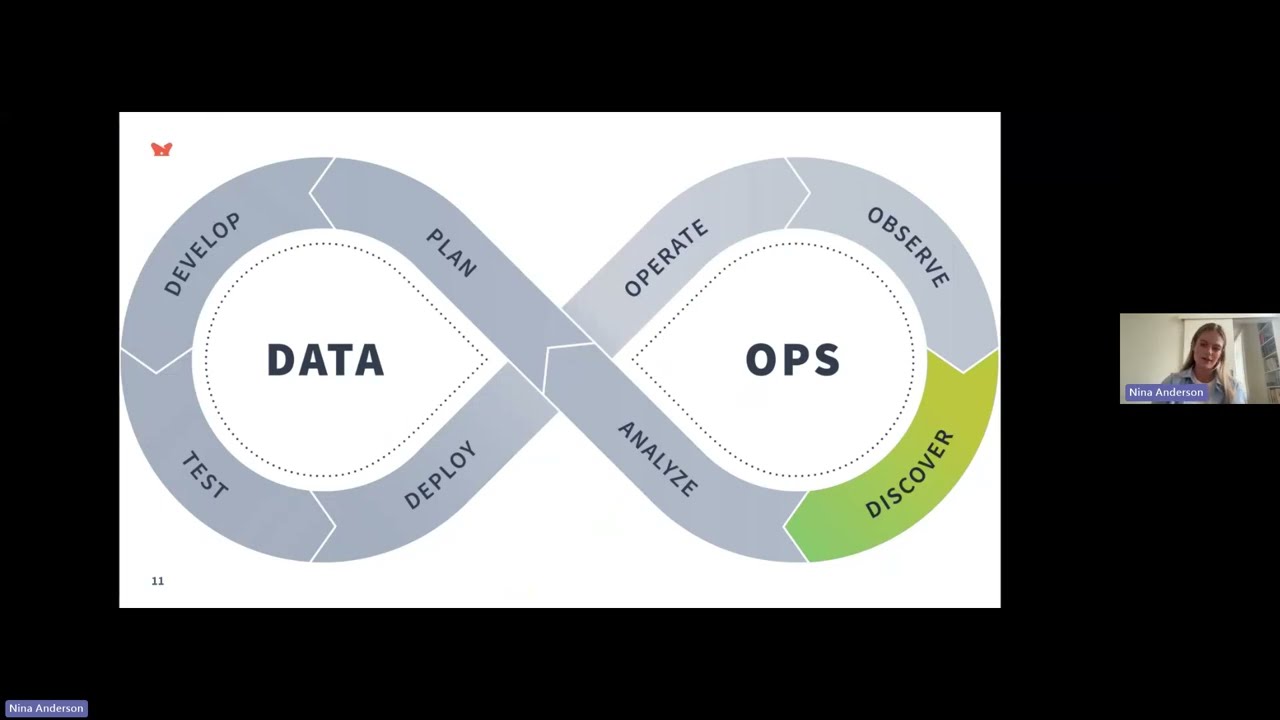
We will be joined by dbt Labs as they showcase dbt Cloud, their powerful platform for transforming data. Learn how dbt Cloud enables customers to build and deploy trusted data products faster with automated CI/CD processes and automatic data quality signals surfaced directly in PowerBI. Discover how dbt Cloud integrates with major data warehouses, and explore its advanced features for automated testing, documentation, and data lineage.
User Managed Aggregations and Auto Aggregations for Power BI Semantic Models
This session will dive deep into features in Power BI semantic models, specifically related to user-managed aggregations and auto-aggregations. Learn how to manually configure aggregations in the data model to improve query performance over large Direct Query semantic models. Discover how automatic aggregations use state-of-the-art machine learning to continuously optimize Direct Query semantic models for maximum report query performance.
Unlocking the Power of Open Mirroring in Microsoft Fabric
This session begins with an overview of Mirroring in Fabric, laying the groundwork for understanding how this powerful feature streamlines data movement and synchronization. Then, we'll explore how Open Mirroring is a game changer, enabling organizations to create custom Mirroring solutions tailored to their unique needs. By the end of this session, you'll have the knowledge and tools to leverage Open Mirroring, transforming how you handle data in Microsoft Fabric.
Fabric Tenant Monitoring and Governance Solutions
Learn how to manage, protect, monitor, and improve the discoverability of your organization's sensitive information using Microsoft Fabric using the build-in admin monitoring workspace. Fabric Go-Live Assessment: Understand this delivery from MSFT can help you build a plan of action for your tenant. Fabric Unified Admin Monitoring Solution: Discover how to enable holistic monitoring on top of Power BI and Fabric, allowing for high-level and granular data analysis. Gain awareness of the more granular tools for monitoring.
Fabric Learning - What are the pathways to being a Fabricator Superstar!
This session will outline the different available learning paths from Microsoft and Community resources to you. Everyone has a preferred way of learning so trying to make sure you know how to find it. There are a number of exams paths, alongside a discussion what would they mean and why it may be worth getting the certifications. What skills are being assessed also where to find the knowledge and support you Lets get you started on the learning journey to becoming a Fabric Superstar and finding your hidden skills!
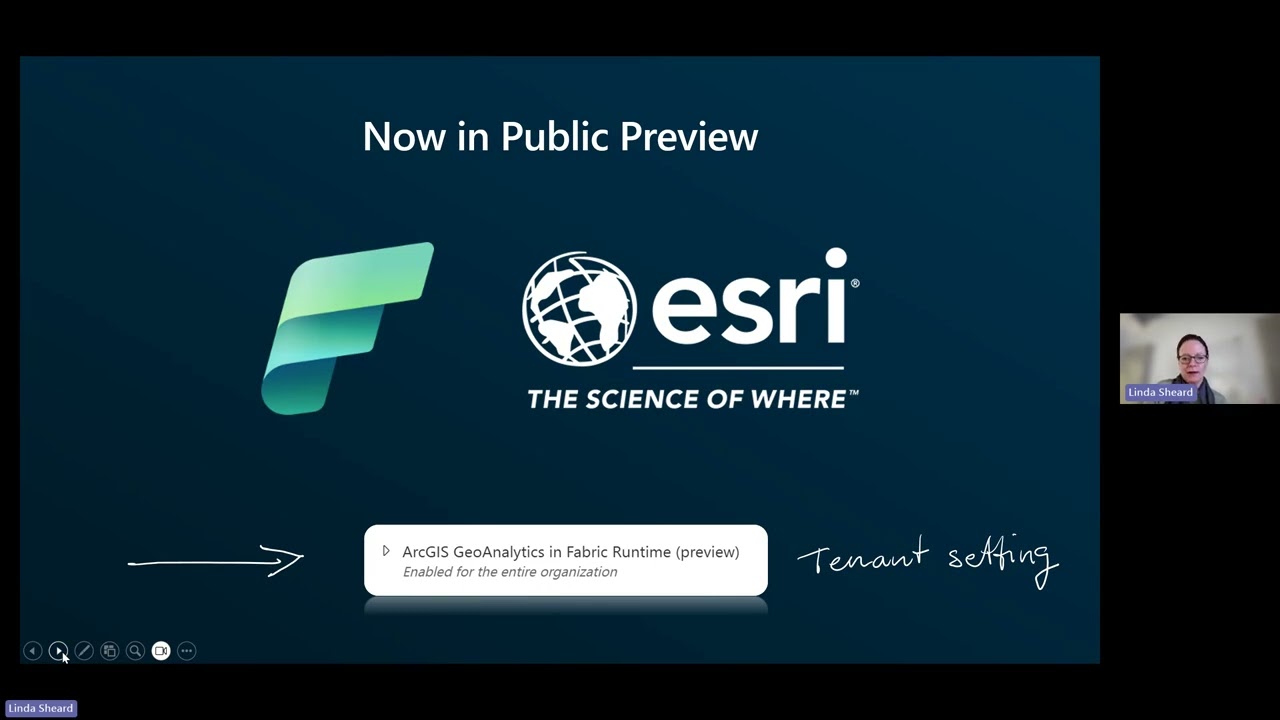
Geo Analytics with Esri in Fabric
In this session, you'll learn about the ability to analyse and manipulate geospatial data at scale with Fabric. With a brand-new capability to access Esri's geospatial functions in Fabric spark notebooks, you can take the load off your Power BI reporting layer, and generate insights from location data that you can then expose for visualisation and interaction in your reports. This capability is rolling out to Fabric tenants of any SKU through January and February and will be free of any additional cost over and above capacity used for data processing for the period of public preview, meaning there is no requirement for an Esri license.
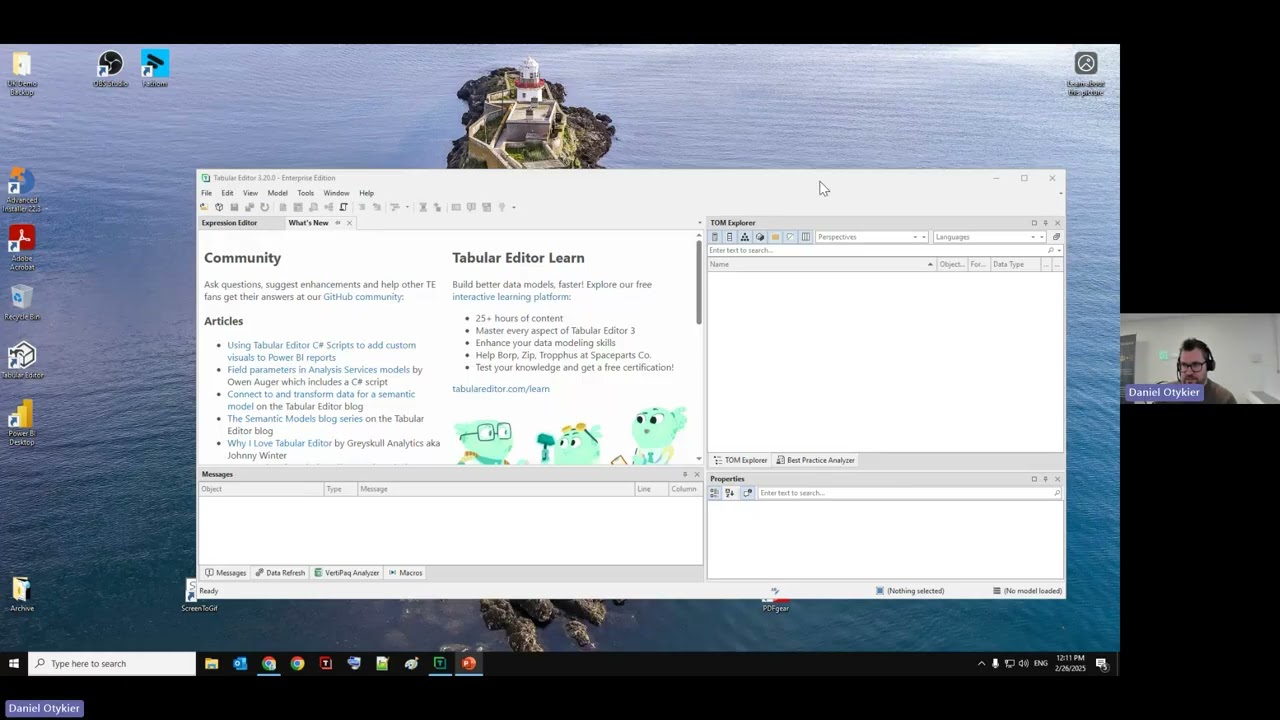
Hear From the Team Behind Tabular Editor
In this one-hour session, the development team behind Tabular Editor 3 will guide you through a comprehensive tour of the tool, showcasing its powerful features and capabilities. You’ll gain insights into the key functionalities that make Tabular Editor 3 an essential asset for creating and managing tabular models. The session will also include expert tips and tricks to help you work more efficiently, avoid common pitfalls, and unlock the full potential of the tool. Whether you’re new to Tabular Editor 3 or a seasoned user, this session promises to deliver valuable knowledge to enhance your data modelling workflow.
Designing Inclusive Dashboards
In this session you will learn how to create Power BI reports that everyone can use, ensuring a high-quality experience for all and embracing diversity. Accessibility is vital, as 24% of people in the UK have a disability, and inaccessible content can create barriers and isolate users. We'll cover making content accessible for those with colour vision deficiency, addressing the needs of neurodiverse individuals, enhancing accessibility for users with low vision and screen readers, considering the needs of people with mobility impairments, and supporting users with low literacy. Let's make our reports accessible to all and create a more inclusive experience!
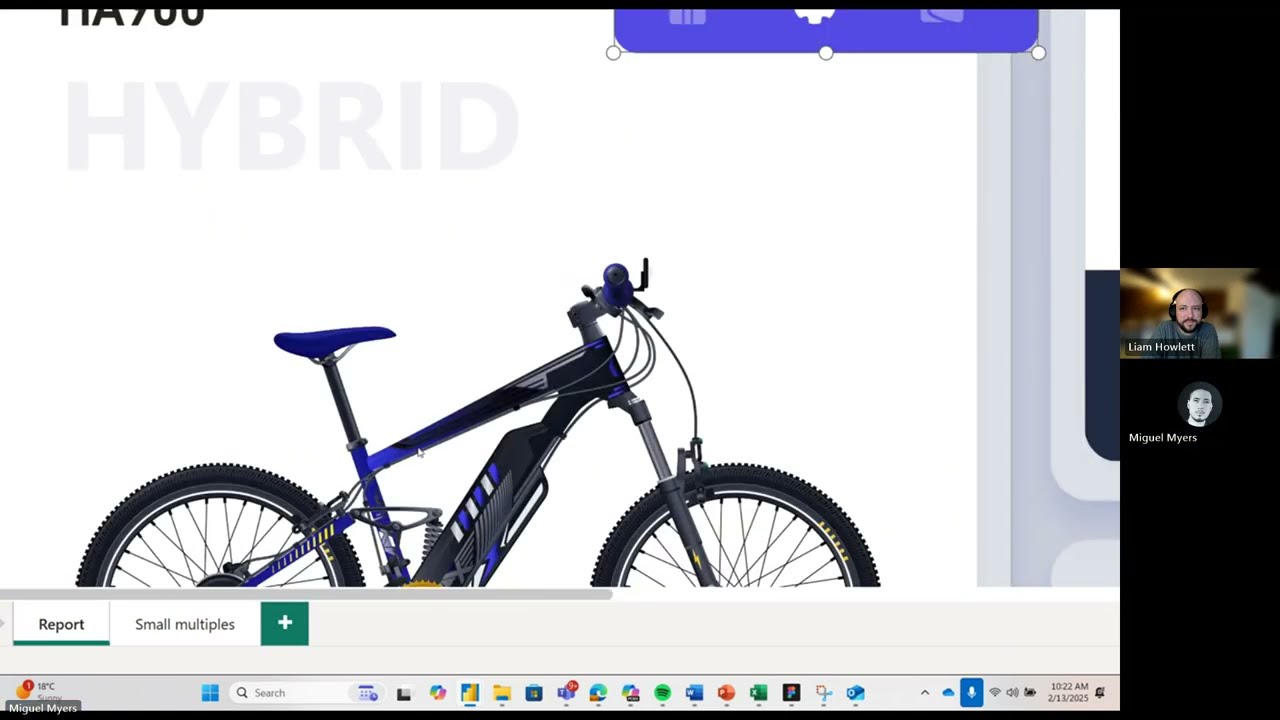
Miguel Myers Presenting on Core Visuals
With Miguel's extensive creative graphic design background and passion for building beautiful and functional reports, there is nobody better to lead the product group on developing new visuals in Power BI. Following the recent blog post where Miguel shared the Core Visual Team's vision and roadmap, Miguel will join us to talk through that vision and give you an opportunity to ask questions and provide your own insights first hand.