Evolution of Dataflows
About this session
Join Will Cisler, for a deep dive into the evolution of Dataflows. This session explores how Dataflows Gen2 brings significant improvements over Gen1, making Power Query in the web more powerful, scalable, and user-friendly. We will cover key enhancements, practical patterns, and why Gen2 is a compelling upgrade for organizations looking to streamline data prep and reuse across Power BI and beyond.
Related sessions
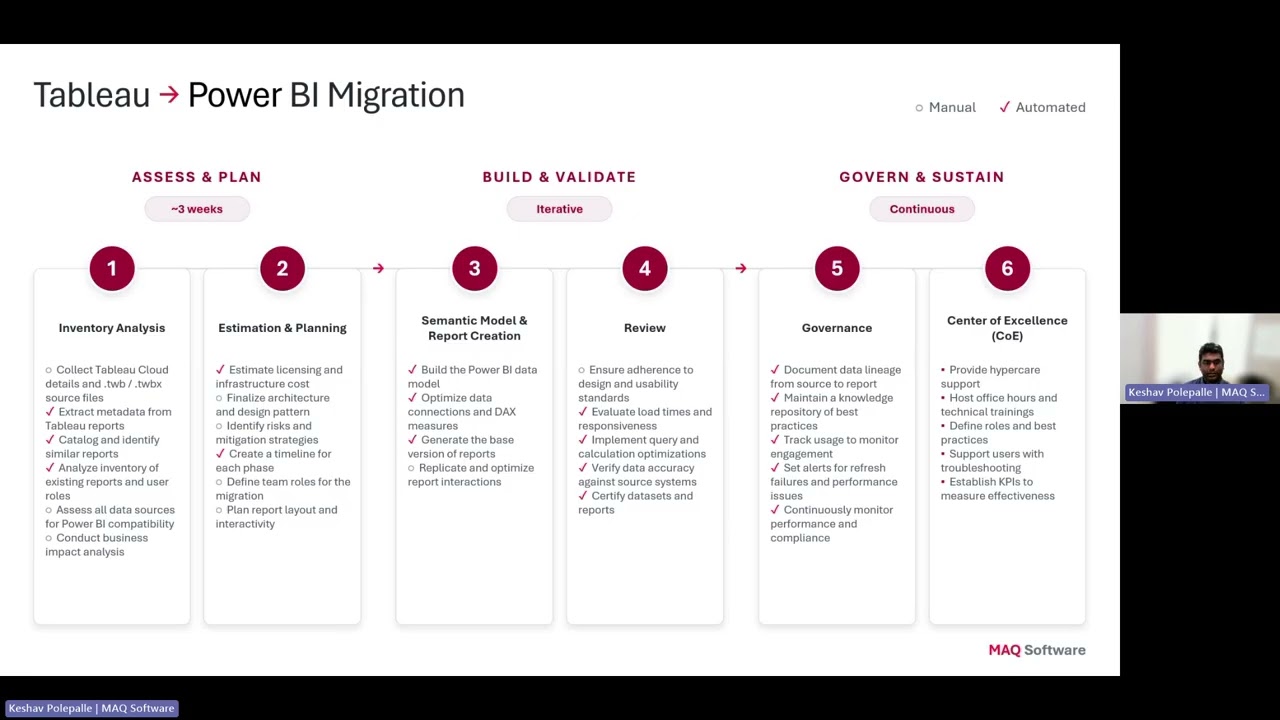
AI-Powered Migration: Tableau to Power BI & Alteryx to Fabric
Organizations are rapidly modernizing their analytics platforms, but traditional migration approaches from Tableau and Alteryx are slow, expensive, and heavily dependent on manual effort. Demonstrates how Agentic AI is transforming analytics modernization by accelerating Tableau → Power BI migrations and converting Alteryx workflows into Microsoft Fabric Data Pipelines and Dataflow Gen2.
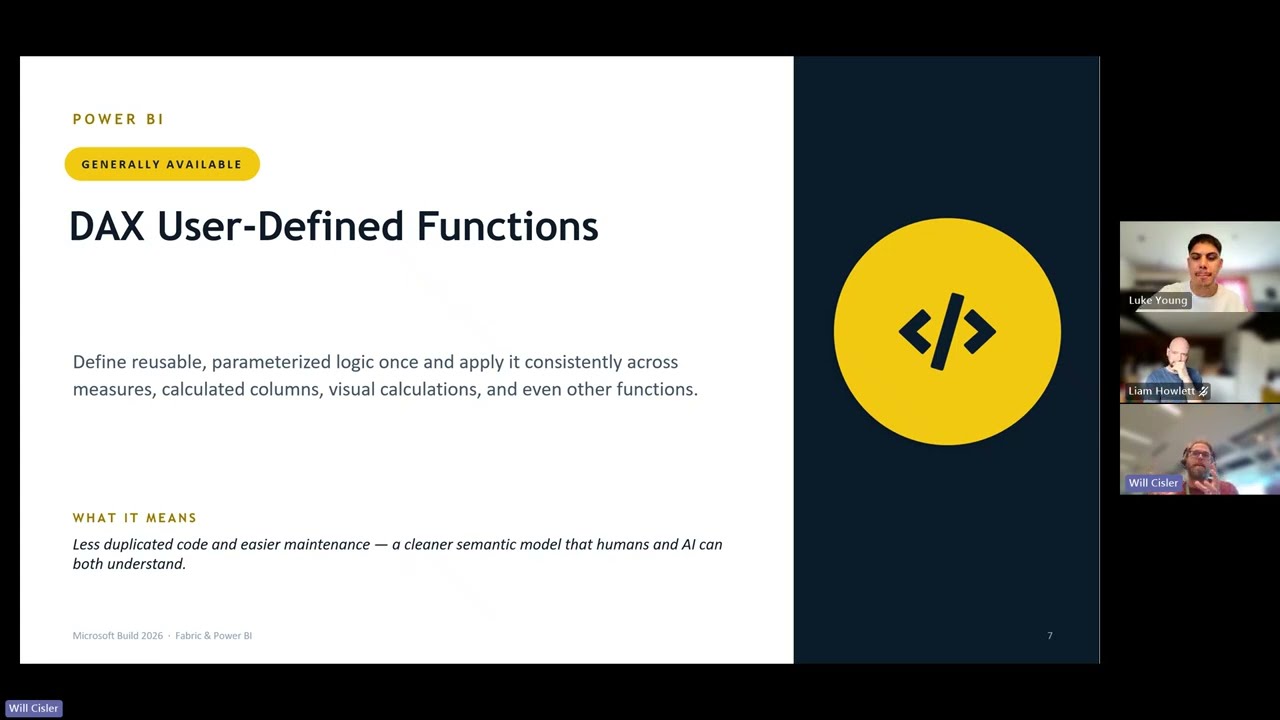
Microsoft Build 2026: The Announcements That Matter for Fabric and Power BI
Microsoft Build 2026 brought a wave of announcements across AI, data, developer tools and analytics - but what do they actually mean for Power BI and Microsoft Fabric users? In this session, we’ll cut through the noise and recap the key updates that matter most to the data community, including the latest around agentic analytics, Fabric, Power BI, semantic models, and AI-powered app development. Join us for a practical, easy-to-follow summary of the biggest Build announcements, what they unlock for organisations, and how they could shape the way teams build, govern and deliver insights going forward. Whether you missed Build entirely or just want the highlights without watching hours of sessions, this recap will help you understand what’s changed, why it matters, and where to focus next.
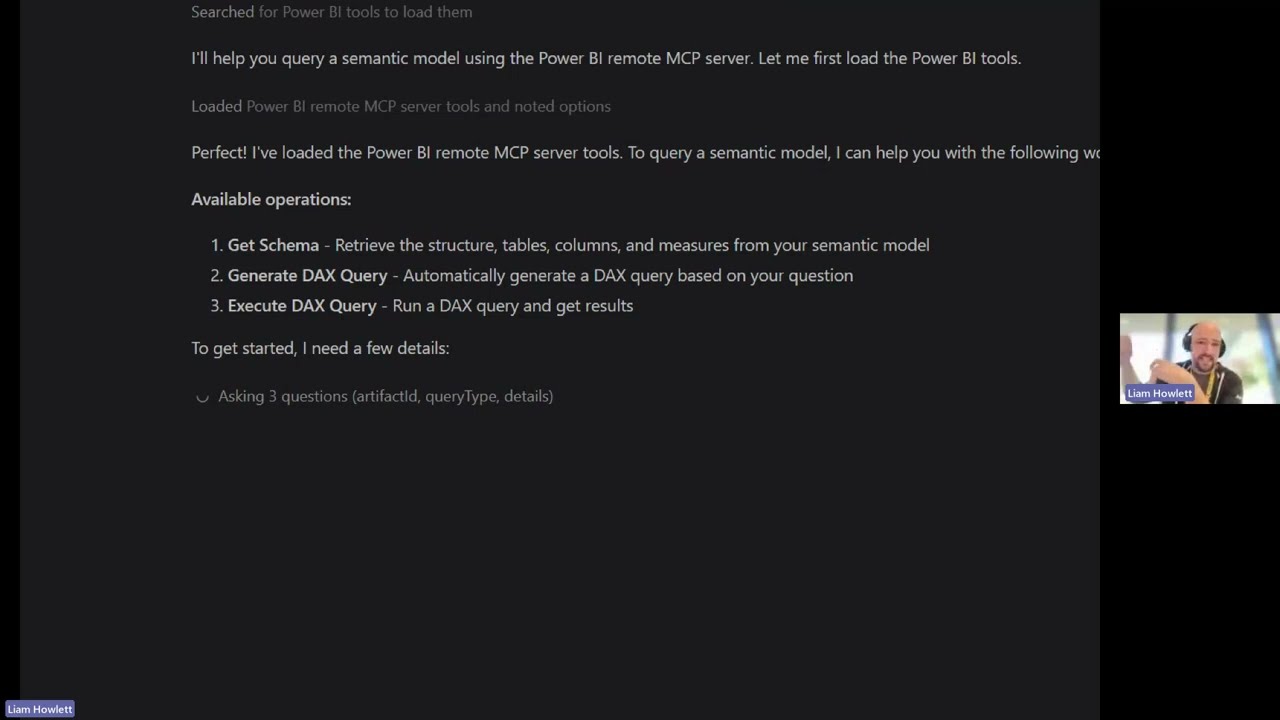
Getting Started with the Power BI Modelling MCP Server
In this shorter, demo‑focused session, we’ll explore the Power BI Modelling MCP Server and how it can be used to build and edit Power BI semantic models using AI. We’ll start with a brief introduction to GitHub Copilot for anyone who hasn’t worked with it before, setting the context for how the MCP server is used. From there, we’ll jump straight into a live demo — creating a semantic model from scratch using AI, then iterating on it by making changes and refinements as requirements evolve. You’ll see how this workflow looks in practice and how it can support faster, more flexible modelling. This session is ideal if you’re curious about AI‑assisted data modelling and want a practical look at how the Power BI Modelling MCP Server fits into real‑world development workflows.