Hear From the Team Behind Tabular Editor
About this session
In this one-hour session, the development team behind Tabular Editor 3 will guide you through a comprehensive tour of the tool, showcasing its powerful features and capabilities. You’ll gain insights into the key functionalities that make Tabular Editor 3 an essential asset for creating and managing tabular models. The session will also include expert tips and tricks to help you work more efficiently, avoid common pitfalls, and unlock the full potential of the tool. Whether you’re new to Tabular Editor 3 or a seasoned user, this session promises to deliver valuable knowledge to enhance your data modelling workflow.
Related sessions
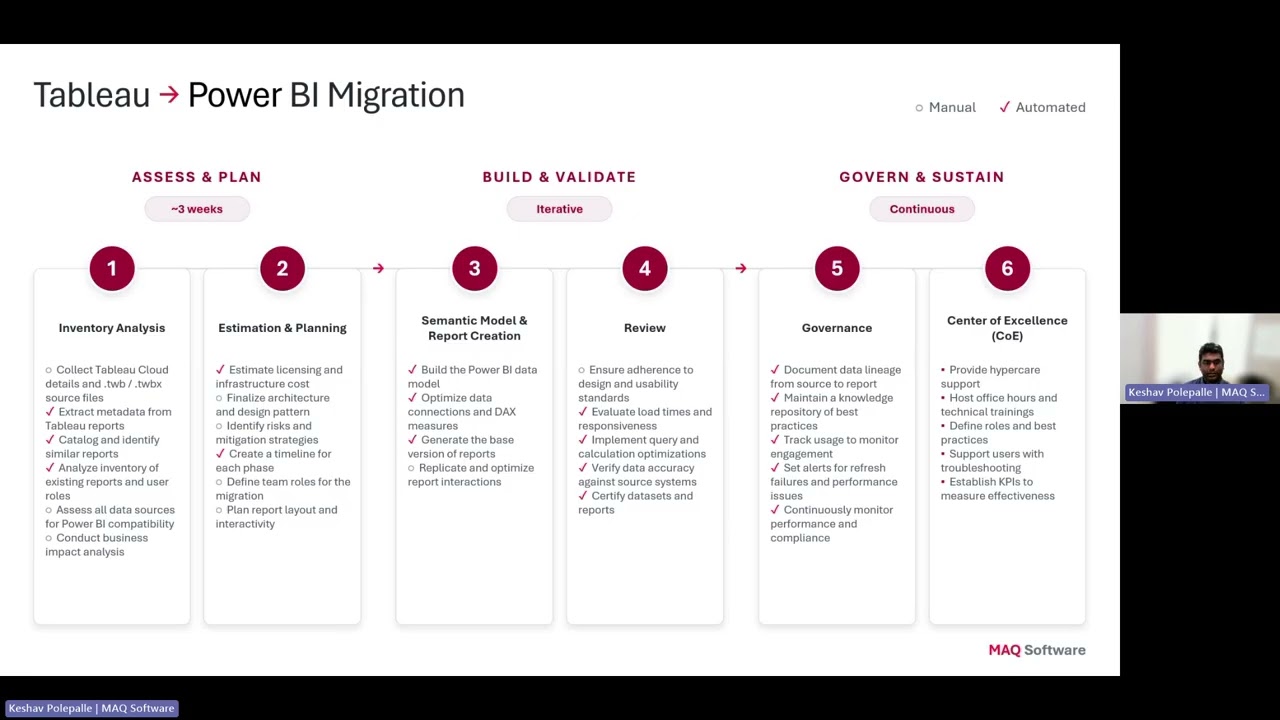
AI-Powered Migration: Tableau to Power BI & Alteryx to Fabric
Organizations are rapidly modernizing their analytics platforms, but traditional migration approaches from Tableau and Alteryx are slow, expensive, and heavily dependent on manual effort. Demonstrates how Agentic AI is transforming analytics modernization by accelerating Tableau → Power BI migrations and converting Alteryx workflows into Microsoft Fabric Data Pipelines and Dataflow Gen2.
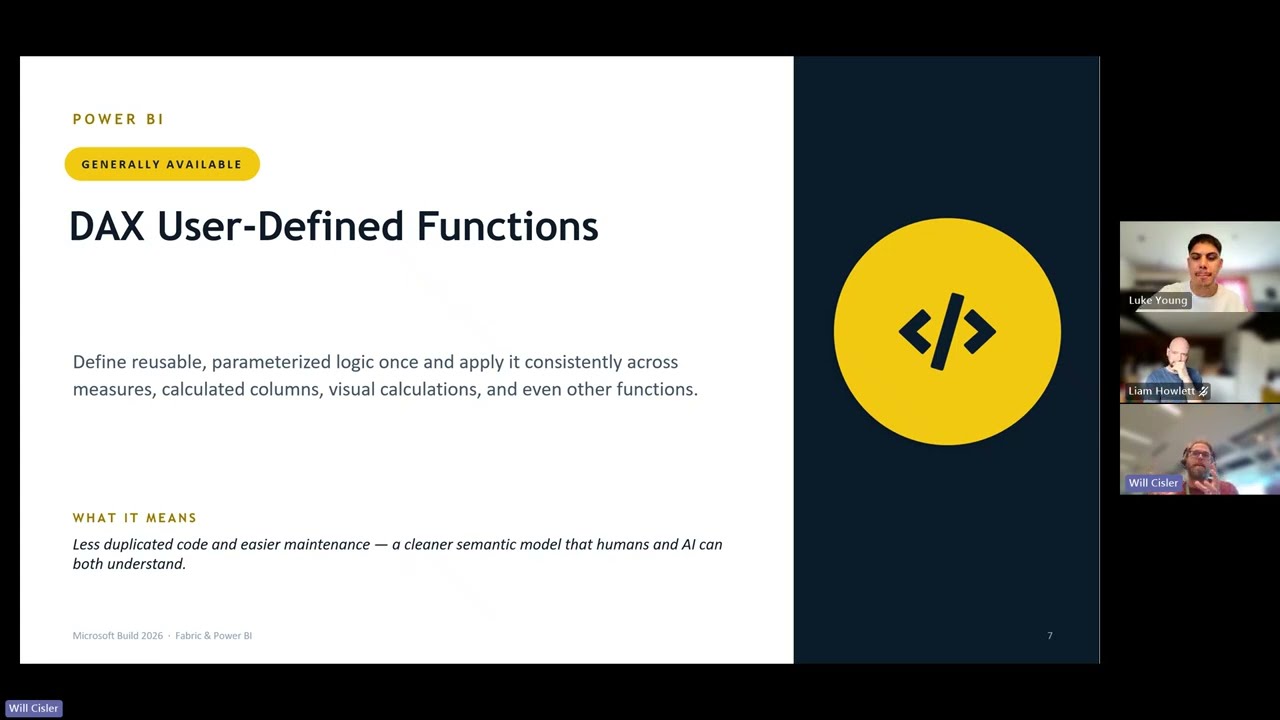
Microsoft Build 2026: The Announcements That Matter for Fabric and Power BI
Microsoft Build 2026 brought a wave of announcements across AI, data, developer tools and analytics - but what do they actually mean for Power BI and Microsoft Fabric users? In this session, we’ll cut through the noise and recap the key updates that matter most to the data community, including the latest around agentic analytics, Fabric, Power BI, semantic models, and AI-powered app development. Join us for a practical, easy-to-follow summary of the biggest Build announcements, what they unlock for organisations, and how they could shape the way teams build, govern and deliver insights going forward. Whether you missed Build entirely or just want the highlights without watching hours of sessions, this recap will help you understand what’s changed, why it matters, and where to focus next.
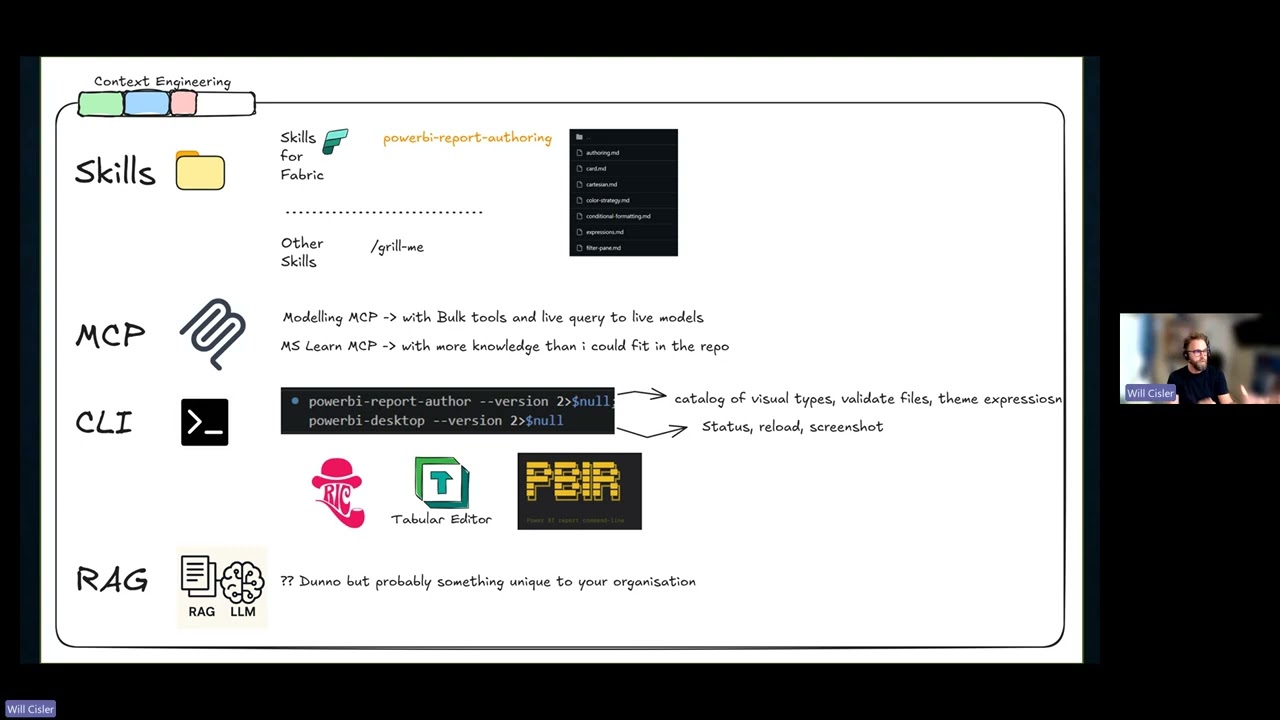
Skills for Fabric: From Generic AI Prompts to Fabric-Aware Assistance
Join us for a practical walkthrough of Skills for Fabric, Microsoft’s open-source collection of AI agent skills and MCP systems designed to help developers, data engineers, admins, and analysts work more effectively with Microsoft Fabric. In this session, we’ll look at what the repository includes, how the skills are structured, and how they can be used with tools such as GitHub Copilot CLI, VS Code, and other AI coding assistants. We’ll explore how this approach can support common Fabric tasks across development, operations, automation, and Power BI authoring, helping users move from generic AI prompts to more guided, Fabric-aware assistance. Whether you’re experimenting with AI-assisted development, supporting Fabric environments, or looking for ways to improve productivity across your analytics workflows, this session will give you a clear introduction to what Skills for Fabric is, why it matters, and how you can start using it.